


- Option 1 – Monitoring Through Your DAW
- Option 2 – Direct Monitoring
- How Antelope Audio interfaces solve the problem
- Summary
Monitoring is one of the most important aspects of the recording process. Whether you’re recording vocals, guitars, drums or any other instrument, what the performer hears has a direct impact on the quality of the performance. Monitoring can take place either through headphones or studio monitors, and there are two different ways of achieving it. Understanding the difference between them will help you make better decisions when setting up your recording sessions.
Option 1 – Monitoring Through Your DAW
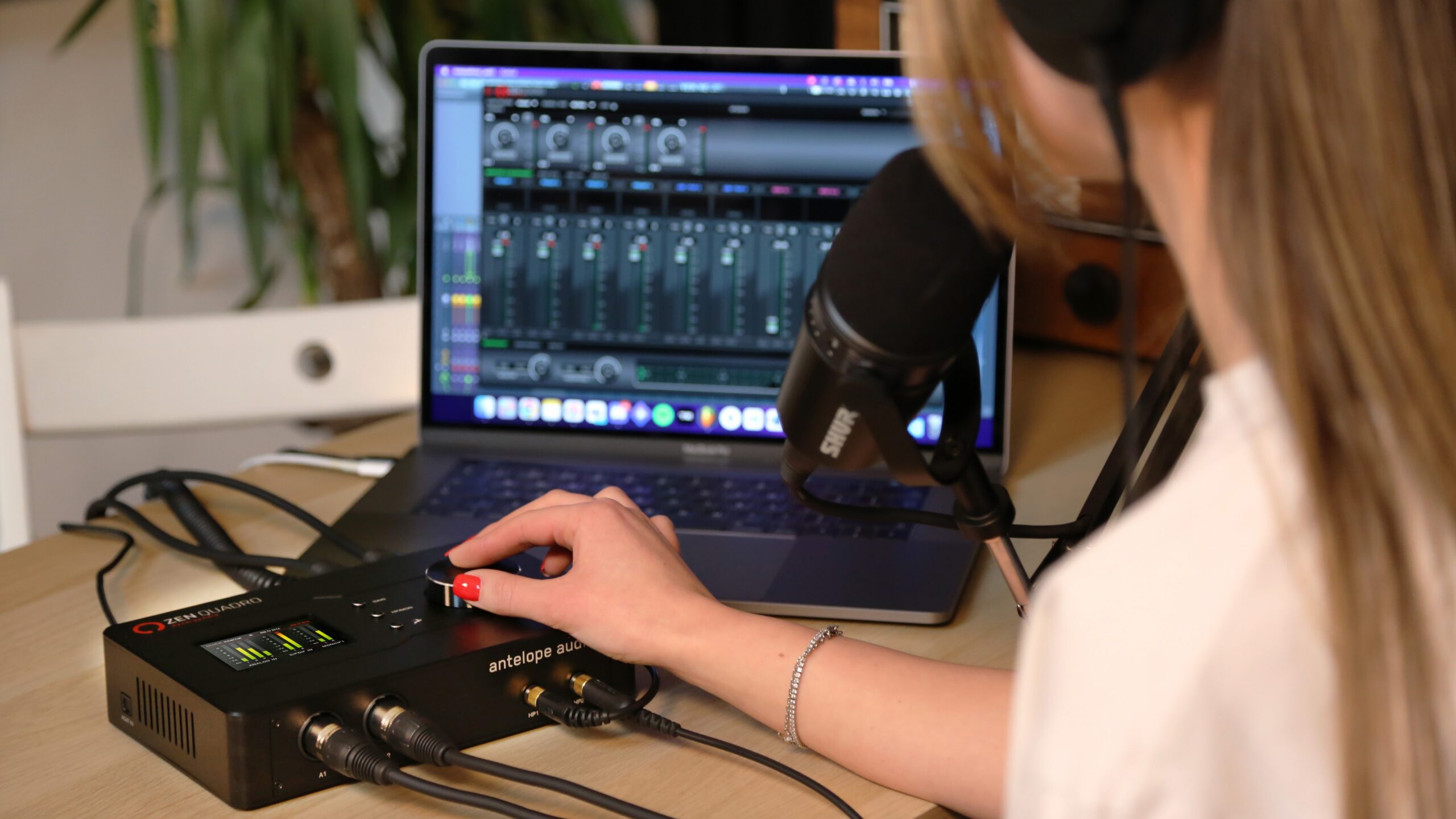
This is the most familiar method and the default workflow in almost every digital audio workstation (DAW). Imagine you’re recording an electric guitar. You create an audio track in your DAW, connect the guitar directly to the instrument input of your audio interface, then Record Arm the track or enable Input Monitoring. The guitar signal is routed to the output assigned to that track, allowing you to hear it through your headphones or studio monitors in real time.
The biggest advantage of this approach is that you hear exactly what is being recorded. Professional studio engineers often refer to this as confidence monitoring. Additionally, if you’ve inserted effects such as EQ, compression, reverb or amp simulation plug-ins on the channel, you’ll hear them all while performing, allowing you to respond to the sound in real time rather than imagining what it will become later.
Dealing with latency
The main drawback of DAW monitoring is latency. Latency is the small delay between the audio entering your interface, being processed by the computer, and returning to your headphones. Although this delay may only be a few milliseconds, us musicians are surprisingly sensitive to it and can make performances feel disconnected.
The amount of latency is largely determined by the audio buffer size, measured in samples. A typical recording setting might be 128 samples, which represents approximately 2.9 milliseconds of latency. You’ll typically want the buffer set as low as possible while keeping the sound intact, because if it’s set too low, you may experience clicks and glitches. During mixing, you may want to increase the buffer to give your computer more time to process audio, allowing you to use significantly more plug-ins without overloading the CPU.
Your PC’s operating system, audio driver and certain plug-ins all contribute small amounts of additional latency. While modern computers perform remarkably well, these delays accumulate, making low-latency monitoring increasingly difficult as sessions become more complex – problematic if you’ve already started mixing and decide to record additional live parts.
Option 2 – Direct Monitoring
The alternative is direct monitoring. Instead of the signal travelling into the audio interface, through the computer and DAW and back to the interface before reaching your headphones, direct monitoring routes the signal straight from the interface to the headphones.
Because the computer is effectively bypassed, latency is reduced to an almost imperceptible level.
The obvious limitation of conventional direct monitoring is that you can no longer hear the plug-ins running inside your DAW. Since the audio never passes through the computer before reaching your headphones, software effects such as reverbs, compressors or guitar amp simulations are unavailable while performing.
How Antelope Audio interfaces solve the problem
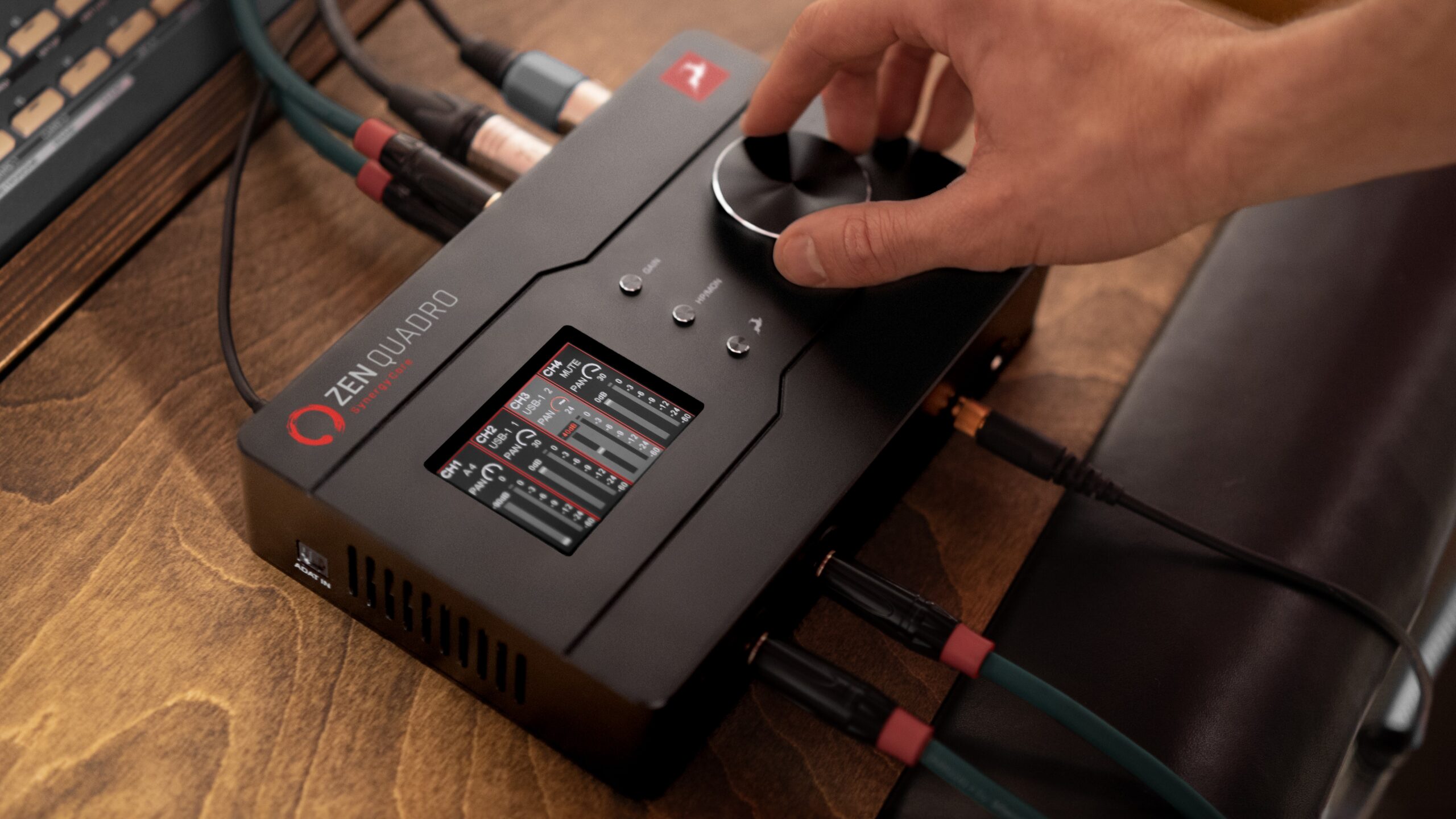
Leading audio technology outfit Antelope Audio take a different approach to recording. Quite a few audio interfaces provide onboard DSP processing, allowing certain effects to run independently of the computer. Antelope Audio interfaces take this concept a step further by combining DSP and field-programmable gate array (FPGA) processors into what it calls the Synergy Core architecture.
DSP processors are excellent at running audio effects, while one of the advantages of FPGA processing is latency. In many DSP-based systems each additional effect introduces a small amount of extra delay. FPGA processing opens up multiple effects to be combined with little or no additional latency in many situations. The result is an exceptionally responsive monitoring experience, even when using complex real-time effect chains.
For example, while recording guitar you can monitor through an amplifier simulation, EQ, compression and reverb, all processed inside the interface itself, while your DAW continues recording the signal.
Meanwhile your DAW sends the previously recorded backing tracks – drums, bass, keyboards or guide vocals – back to the interface. Inside the Antelope mixer, these playback channels are blended with your live monitored signal to create the performer’s headphone mix.
Antelope Launcher Mixer
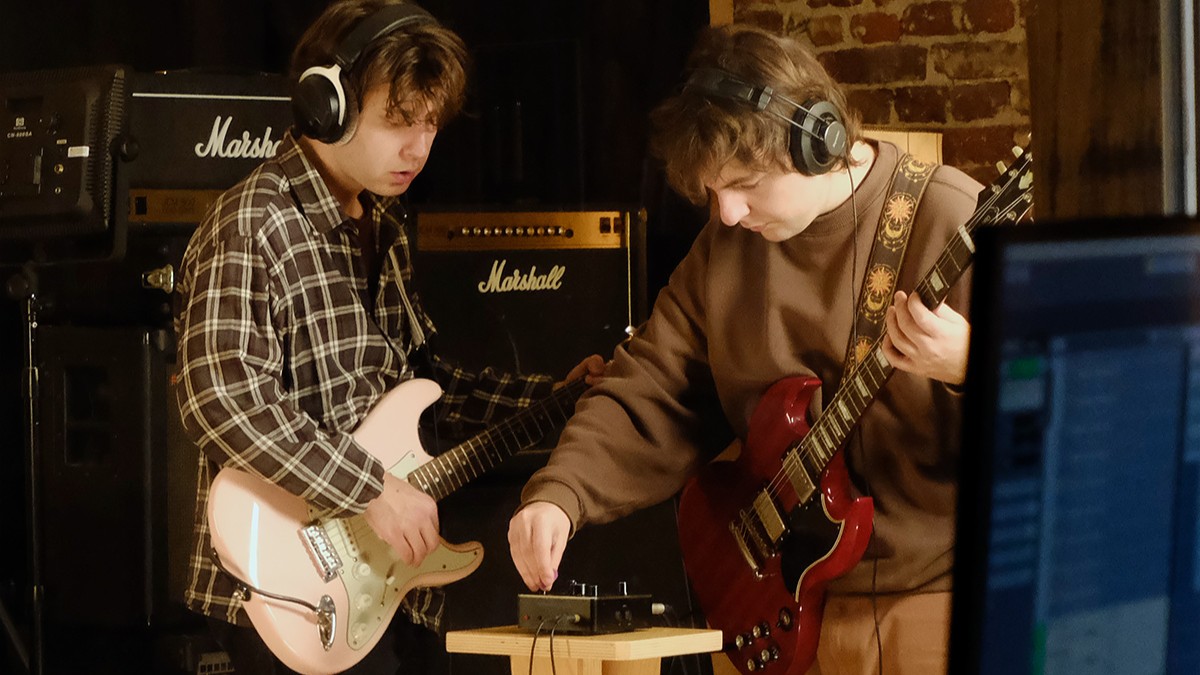
The built-in Antelope Launcher Mixer lets two musicians to create separate headphone mixes tailored to their individual needs. This is particularly useful when recording more than one person at a time. The Discrete 8 Oryx goes a step further by providing four independent headphone outputs, making it an excellent choice for recording bands and larger ensemble sessions.
Another major advantage of the Antelope Mixer is the flexibility it offers over the recording path itself. You can choose whether the real-time Antelope effects are applied only to the monitoring signal or whether they’re also recorded directly into the audio track in your DAW. This allows performers to hear exactly the sound they need for inspiration while preserving maximum flexibility during the mixing stage.
For users who want even greater options, Synergy Core interfaces can record multiple versions of the same performance simultaneously. For example, you could record:
- one completely clean guitar track
- one processed with compression and a flanger
- another with EQ and amplifier simulation
…all at the same time, each recorded onto its own separate track in your DAW. This gives you the freedom to experiment with different sounds after the performance has been captured without having to ask the guitarist to play the same part again.
Microphone preamps
The microphone preamps in Antelope Audio interfaces provide up to 75 dB of gain, which is more than enough for even the most demanding microphones without the need for external gain boosters.
It is also worth mentioning that these are fully discrete microphone preamps. Rather than relying on a single off-the-shelf preamp chip, the amplifier itself is built from carefully selected individual
components. That gives Antelope’s engineers considerably more freedom when designing the circuit and refining its performance. The result of such discrete design is a preamp that is capable of delivering not only high levels of gain while remaining clean, quiet and natural sounding, but also a recording that is a pleasure to listen to.
Dedicated Reamp Outputs
If we really want the amplifier to behave as though a guitar has been plugged into it, we first need to convert the line-level output of the interface back into an instrument-level signal. Traditionally, that’s done using a dedicated reamp box.
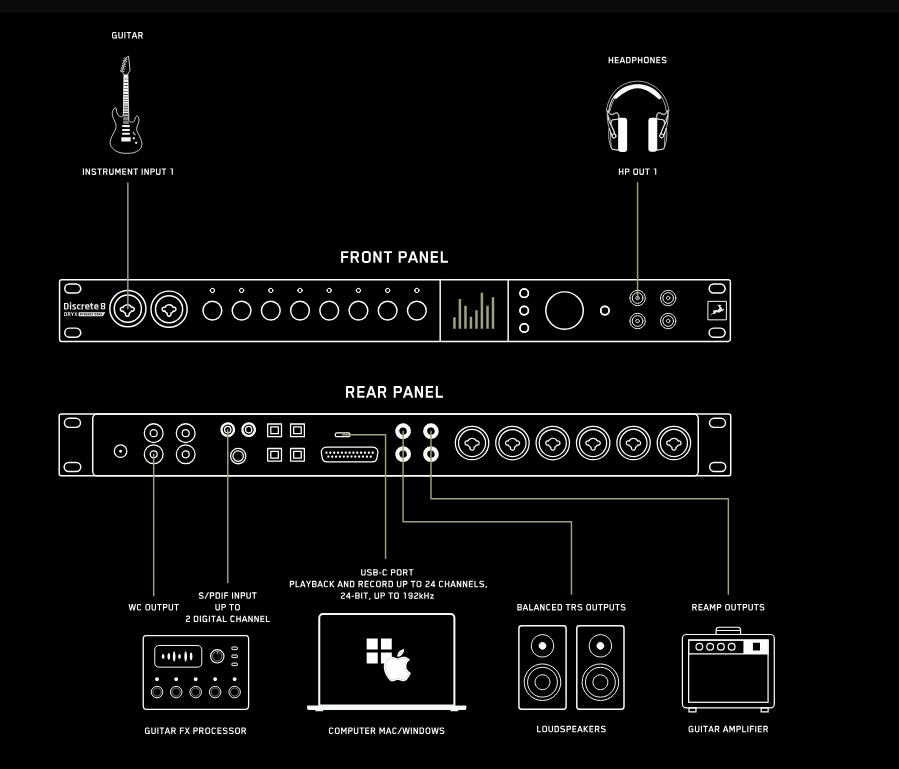
This is one area where some Antelope Audio interfaces offer a particularly useful feature. Interfaces such as the Discrete 8 Oryx and Orion Studio Synergy Core include dedicated reamp outputs. That means you can connect the interface directly to your guitar amplifier or pedalboard without needing a separate reamp box in between.
- Instead of going: Audio Interface → Reamp Box → Guitar Amplifier
- You simply connect: Discrete 8 Oryx / Orion Studio Synergy Core Reamp Output → Guitar Amplifier
It’s one less box, one less power supply/batteries to think about, fewer cables, and one less hassle to consider every time you want to reamp a guitar. If reamping is something you do regularly, it’s one of those features that saves time every single session.
Summary
We’ve established how monitoring has a huge impact on the mix and finished product of your music. What you hear as you record live instruments makes a difference to your performance, as well as being able to identify all the details of your sound in the mixing stage.
Even with top quality studio monitors, there are other factors at play like your audio interface, which ensures you’ve got the optimal setup, whether that’s monitoring through your DAW or direct monitoring.
We also now know that a fantastic solution to issues of latency and recording rigidity are Antelope Audio interfaces. They do a great job to combat latency while still running multiple audio effects like EQ, compression, reverb and a guitar amplifier across independent headphone outputs. You get the choice to record multiple versions of the same performance with different amounts of plugins applied to each track.
There’s also the chance to reamp (feed your audio through a different amp to change its tone without re-recording) by converting the interface’s line-level output back into an instrument-level signal, ensuring the same monitoring quality as before.
If you enjoyed reading this article, check out more of our Learn blogs!
Responses & Questions